How to use LoopLo: a simple owner's manual
A plain guide to setting up LoopLo in six steps, and how a digital stamp card helps small businesses win repeat customers.
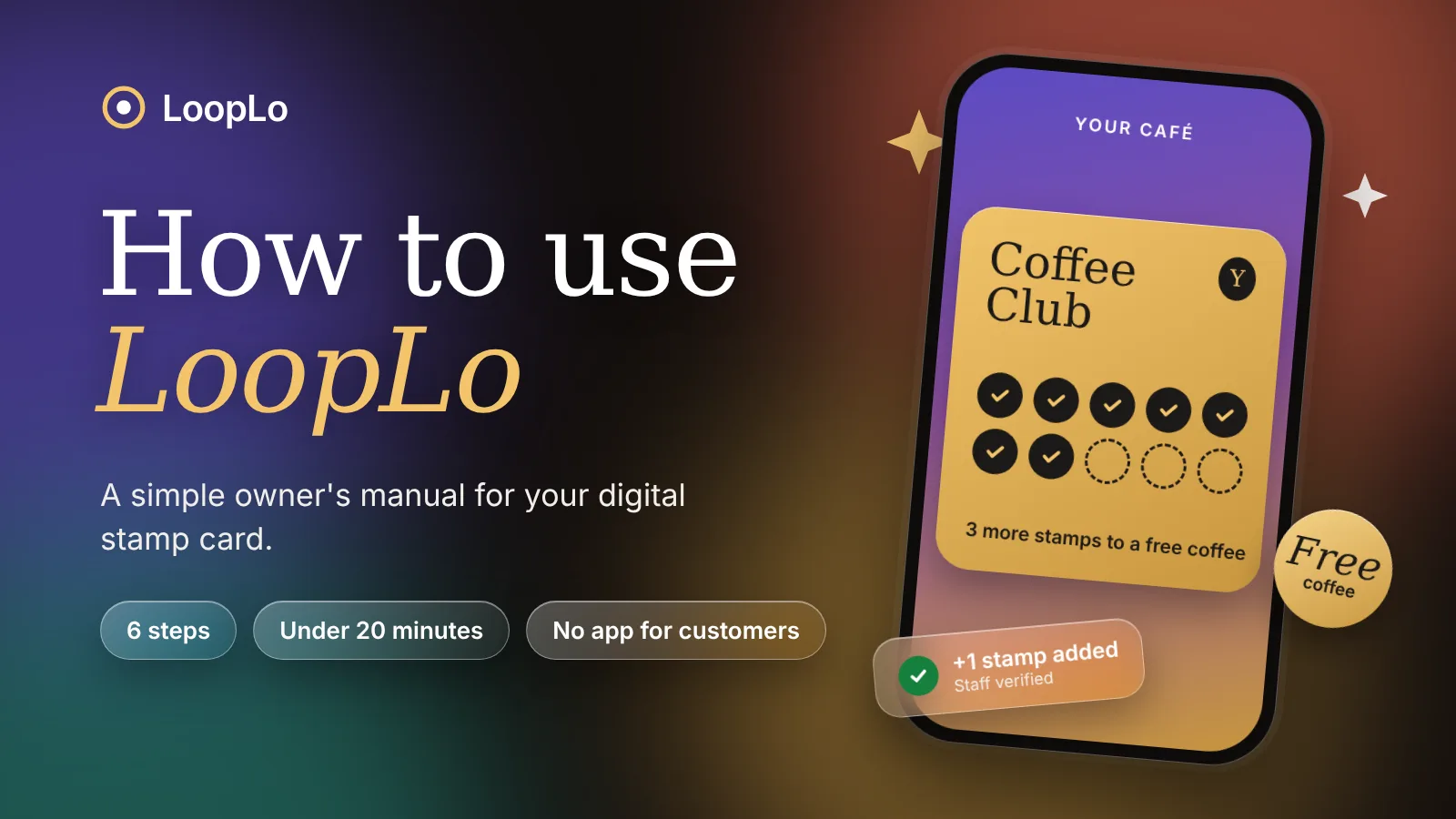
Most small businesses already know that regulars matter. The hard part is keeping track of them. Paper stamp cards get lost, staff forget to stamp, and you never learn who your best customers actually are.
LoopLo replaces that with a digital stamp card. Customers join by scanning a QR code, with no app to download. Your staff add a stamp after each purchase. You see what is working. This guide walks you through the whole thing, step by step.
Step 1: Create your account
Sign up and confirm your email address. Your 14 day free trial starts right away, and you do not need to enter a card.
Step 2: Design your card
The setup wizard offers 8 ready-made templates for businesses like cafés, salons and shops. Pick the closest one, then set your reward. For example, "buy 10 coffees, get the 11th free". A live preview shows how the card will look to your customers as you change it.
Step 3: Print your QR sign
Open the QR and printable sign page in your dashboard, print it, and put it by the till.
One thing to know: this QR code only signs people up. It never gives a stamp. That is on purpose, so nobody can collect stamps by scanning a sign without buying anything.
Step 4: Invite your staff
Go to Team and send an invite to each person who works the counter. Staff get a simple phone-friendly counter limited to their own location, so they see only what they need.
Step 5: Stamp every purchase
When a customer buys something, your staff member does three things:
- Scan the customer's card QR code with the phone camera, or search for them by name.
- Confirm the purchase.
- Add the stamp.
When the card is full, the same screen lets staff redeem the reward. After a reward is redeemed, the card starts again from zero.
Made a mistake? A manager can reverse a stamp, but has to give a reason. The reversal is recorded, so every change can be traced later.
Step 6: Watch your business
Your dashboard gives you an overview with analytics, a list of members, and an activity record of every stamp and reward. Unusual activity, such as repeated receipts, shows up in a review queue for you to check. If you are on the Growth plan or higher, you can also send email campaigns to your members.
How this helps your business grow
A loyalty card is not magic, and we will not promise you a number. What it does is make the basics easier to do well.
- You know your regulars. Instead of guessing, you can see who comes back and how often.
- You give people a reason to return. A card that is half full is a small nudge to visit again instead of trying the shop next door.
- You can reach people. Campaigns let you tell members about a new product or a quiet-day offer, without paying for ads.
- You protect your margins. Every stamp is tied to a purchase and a staff member, and the review queue flags suspicious patterns, so you are not giving away rewards that were not earned.
- You save time. There are no cards to print and reprint, and nothing for staff to count by hand.
- You stay in control of customer data. Customers sign up with their email and first name, can unsubscribe from emails at any time, and you can export your member and activity records when you need them.
Ready to try it?
Setting up usually takes under 20 minutes. Start your free 14 day trial at https://looplo.tech/ . No card needed, and you can cancel anytime.
If you get stuck on any step, send us a message and we will help you.